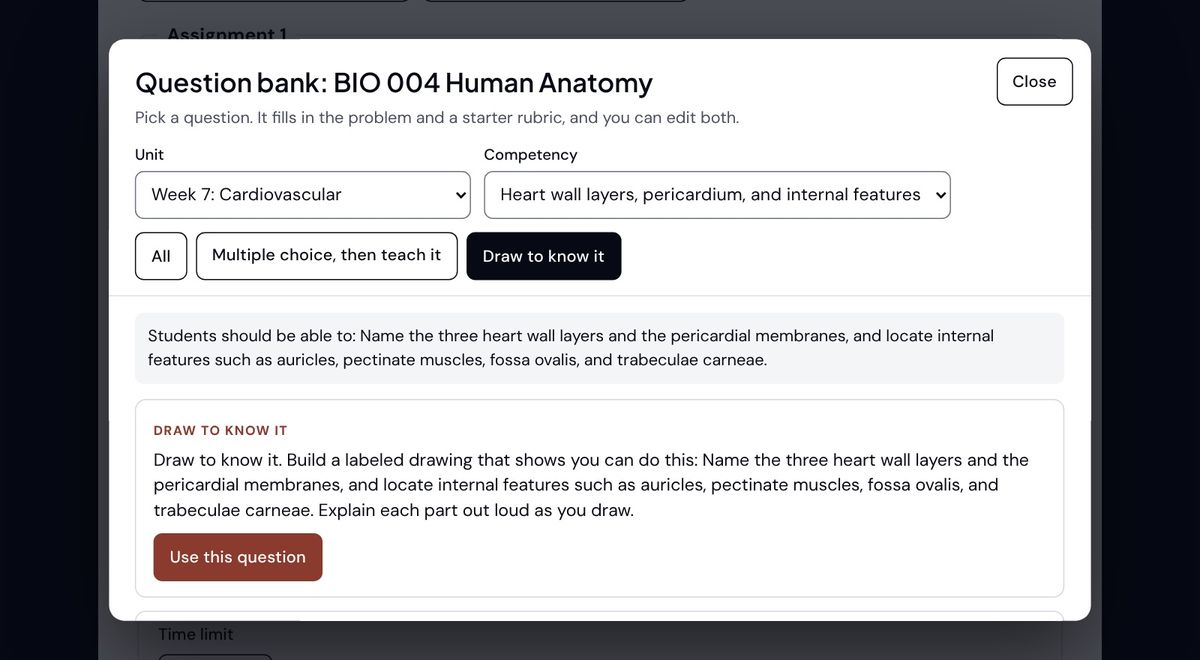
Question bank
Choose a ready-made question by competency, either multiple choice or a draw to know it prompt. Each comes with a starter rubric you can edit. The bank covers human anatomy today. In every other subject, you type your own problem.
The student teaching studio
A whiteboard recording studio for graded student teaching assignments.
Why it matters now
You do not need to remove AI from education. You need assessments that ask students to do the thinking, out loud, where you can see it.
Watch the two-minute overview
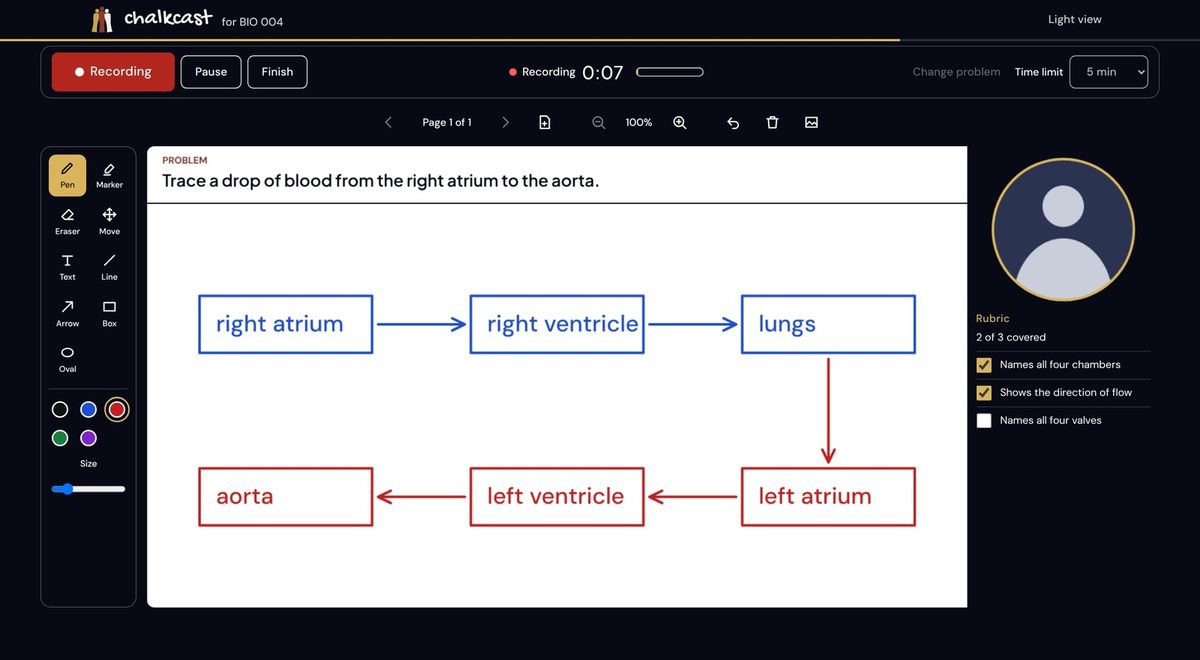
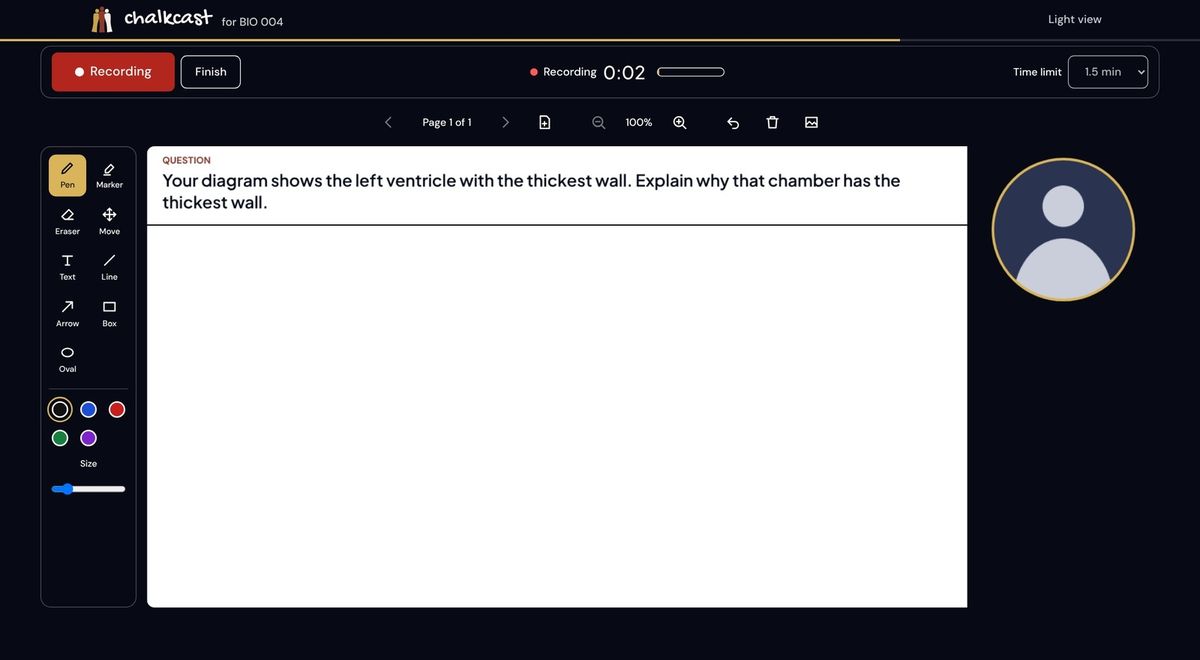
The camera sits beside the whiteboard for the whole recording.
Students talk through their reasoning in their own words.
Every line, label, and arrow is drawn while they explain it.
How it works
Step 1
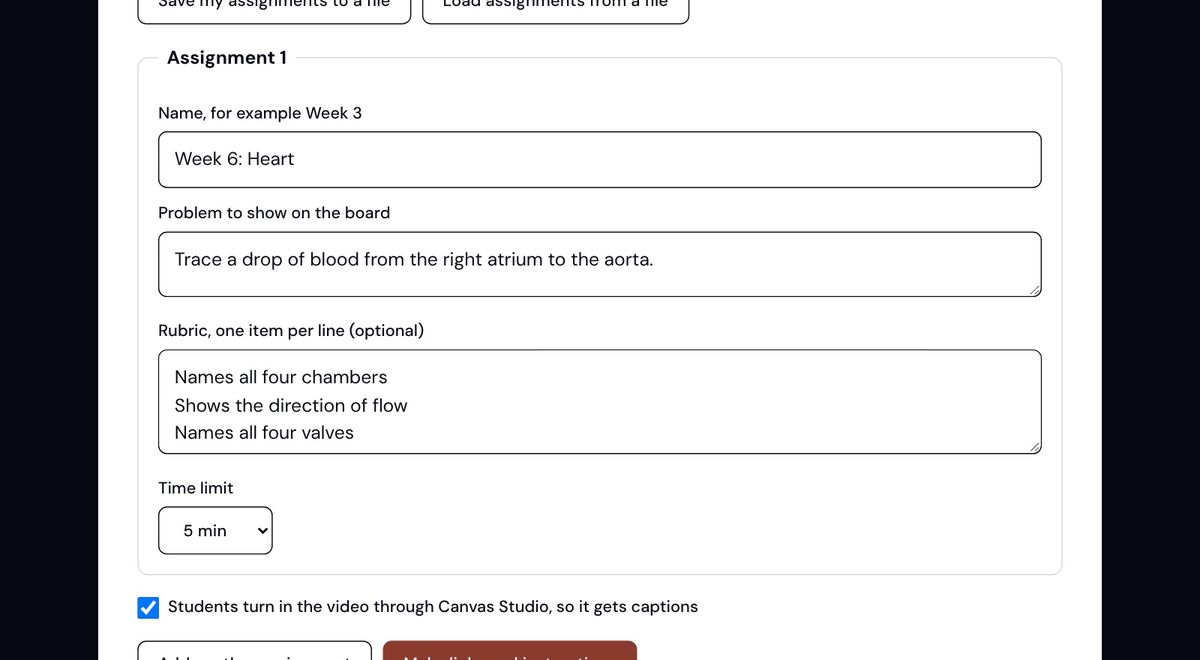
Type the problem, add your rubric, and pick a time limit. chalkcast gives you a link and ready-made instructions to paste into your course.
Step 2
They open the link, draw on the whiteboard, and explain out loud on camera. There are no accounts and nothing to install.
Step 3
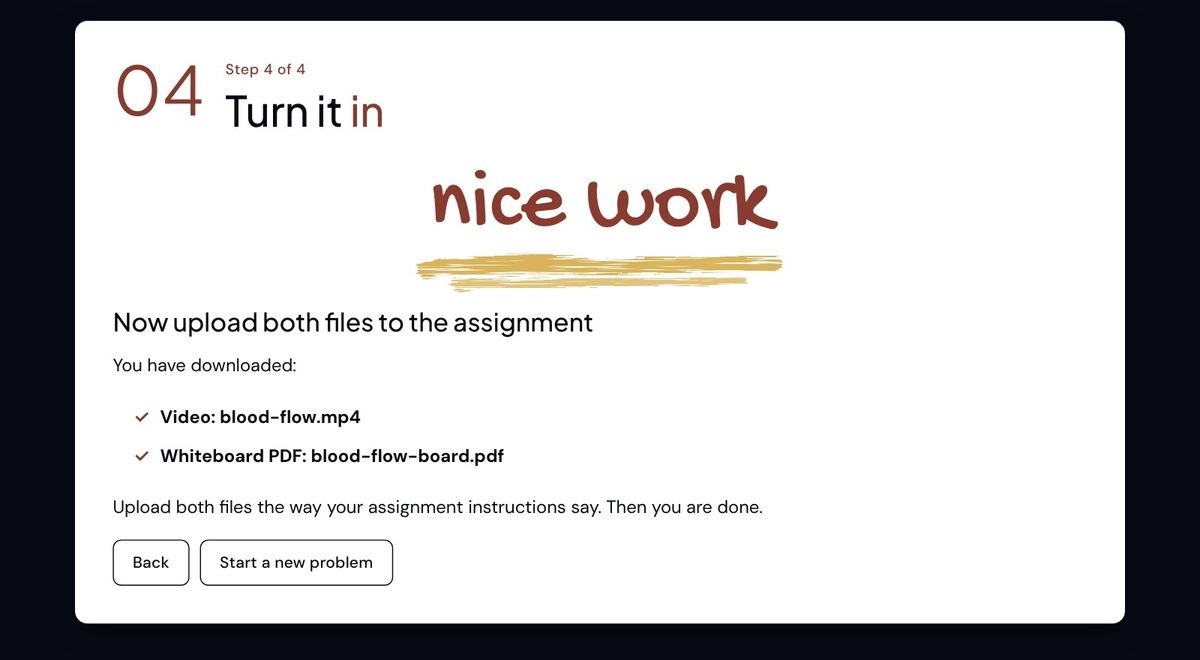
Students upload the video and a whiteboard PDF to your course site, such as Canvas, and you score them with your rubric.
Built in
Choose a ready-made question by competency, either multiple choice or a draw to know it prompt. Each comes with a starter rubric you can edit. The bank covers human anatomy today. In every other subject, you type your own problem.
Ask one student a follow-up question about work they turned in. The question stays hidden until they press Begin Defense, and recording starts at the same moment. Make one link, or a link for every student at once.
Across disciplines
chalkcast works with any problem you write, in any subject. Keep your existing assignments, and ask students to draw and explain the thinking behind them.
Draw a pathway and explain how its structures relate.
Work through a reaction while explaining each step.
Model a disease process and explain the reason for an intervention.
Solve a problem and say why each move is allowed.
Founders price
Founding members keep $59 a year for as long as they stay subscribed. In exchange, we ask for your feedback to help make chalkcast better.
founders price
$59a year, per instructor
Not ready yet? Try the demo first.
The demo
You will see a sample recording first. Then the whiteboard opens with a heart question already loaded, and you record for up to one minute.
Enter your name and email, and the demo opens next.
We will also email you the founders price details. Unsubscribe any time. We never sell your email.
Questions
Instructors who ask students to explain how they got an answer. It was built for college anatomy and physiology, and it also fits nursing, chemistry, math, and high school science.
When they finish recording, students download a video and a PDF of their whiteboard and upload both to your course site, such as Canvas. chalkcast has no student accounts and stores nothing, so the files stay on the student's own device until they upload them.
No. They click the link in your assignment and record in the browser on a computer with a camera and a microphone.
A sample student recording, then the whiteboard with a heart question loaded and a one-minute recording of your own. It is the same screen your students would use.
Founding members pay $59 a year per instructor and keep that price for as long as they stay subscribed. In exchange, we ask for your feedback.